

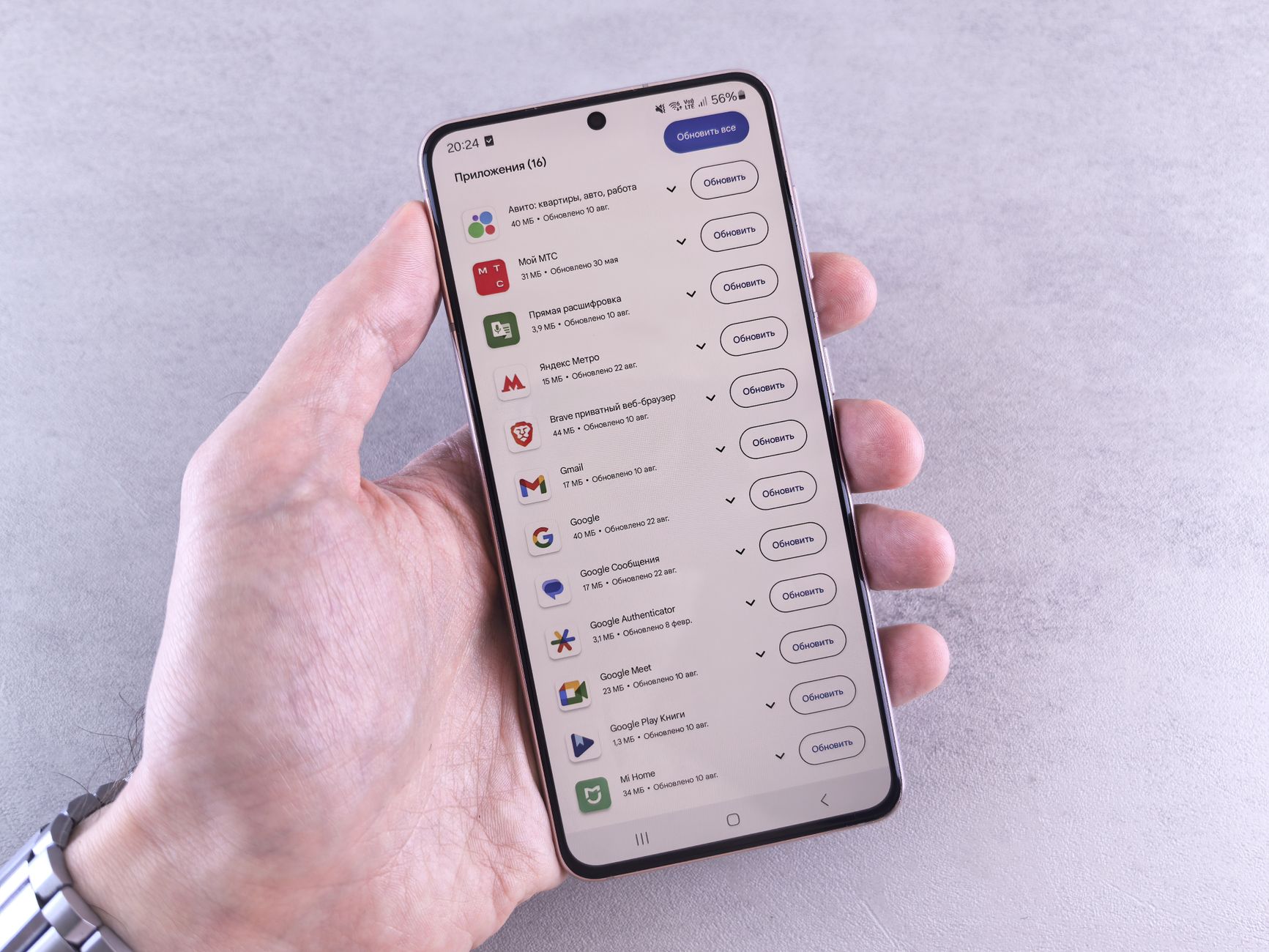
OnePlus 12 update is rolling out now, featuring ColorOS 17 based on Android 17. This update promises to enhance performance and user experience significantly.
What’s New in ColorOS 17?
The latest OnePlus 12 update introduces several exciting features with ColorOS 17, enhancing user experience and performance. Here are some of the most notable updates:
- Revamped User Interface: A more intuitive design with customizable themes and icons, allowing users to personalize their devices.
- Improved Privacy Features: Enhanced security settings give users greater control over app permissions and data sharing.
- Smart Assistant: A new AI-powered assistant offers contextual suggestions and improved voice recognition for seamless interaction.
- Battery Optimization: Advanced algorithms help extend battery life by managing background processes more efficiently.
- Enhanced Camera Capabilities: New photo editing tools and improved night mode for stunning photography.
These features make the OnePlus 12 update a significant upgrade for users looking to maximize their device’s potential.
How to Update Your OnePlus 12
To ensure you can enjoy the latest features in the recent OnePlus 12 update, follow these simple steps to update your device to ColorOS 17.
First, make sure your OnePlus 12 is connected to a stable Wi-Fi network and has sufficient battery life, ideally above 50%. Then, navigate to the Settings app on your device. From there, scroll down and select System Updates. Your device will check for any available updates.
If the OnePlus 12 update to ColorOS 17 is available, you will see a prompt to download it. Click on Download and wait for the process to complete. Once downloaded, tap Install to begin the installation. After the update is installed, your OnePlus 12 will restart, and you can start exploring the new features of ColorOS 17!
User Reactions to the Update
As the OnePlus 12 update to ColorOS 17 begins rolling out, users have taken to social media to share their experiences. Many have expressed excitement about the new features and improvements that come with this latest version.
Some of the most common reactions include:
- Performance Boost: Users report smoother multitasking and faster app launches, attributing this to the optimization included in ColorOS 17.
- Enhanced Customization: The ability to personalize their device’s interface has been a hit among OnePlus 12 owners.
- Battery Life Improvements: Many have noted that the update seems to have positively impacted battery performance.
- Minor Bugs: A few users have mentioned encountering minor issues, but overall feedback remains overwhelmingly positive.
Overall, the OnePlus 12 update is being received well, with users eager to explore all that ColorOS 17 has to offer.
Comparing ColorOS 17 with Previous Versions
The OnePlus 12 update to ColorOS 17 brings several enhancements compared to its predecessors, making it a significant upgrade for users.
One of the most notable differences lies in the user interface. ColorOS 17 introduces a more streamlined design that improves navigation and accessibility.
Additionally, performance optimization has been a key focus, resulting in smoother app transitions and better battery management.
Compared to previous versions, ColorOS 17 boasts:
- Enhanced Customization: More options for personalizing themes and layouts.
- Improved Security Features: Enhanced privacy controls protect user data more effectively.
- Updated Gaming Mode: Optimized settings for a better gaming experience.
These advancements make the OnePlus 12 update a crucial step forward for users looking to maximize their device’s potential.
Future Updates for OnePlus Devices
The rollout of the OnePlus 12 update to ColorOS 17 marks a significant step forward for the brand, but users can also anticipate further enhancements in the near future. OnePlus has been committed to providing timely updates and feature improvements across its device lineup.
Future updates are expected to focus on:
- Performance Optimizations: Enhancements to system performance and battery life.
- Security Patches: Regular updates to ensure user data remains secure.
- New Features: Introduction of additional functionalities based on user feedback.
- Compatibility: Improvements in app compatibility with ColorOS 17.
As OnePlus continues to roll out the OnePlus 12 update, users can look forward to a robust support system that keeps their devices up to date and efficient.
Photo by Andrey Matveev on Pexels
Where this came from
Related reading
Google Pixel New Features: Exciting Updates You Need to Know · Google Core Update: The Best Insights for November 2026 · URBAN ARC Go 2: Best Features and Proven Battery Life