

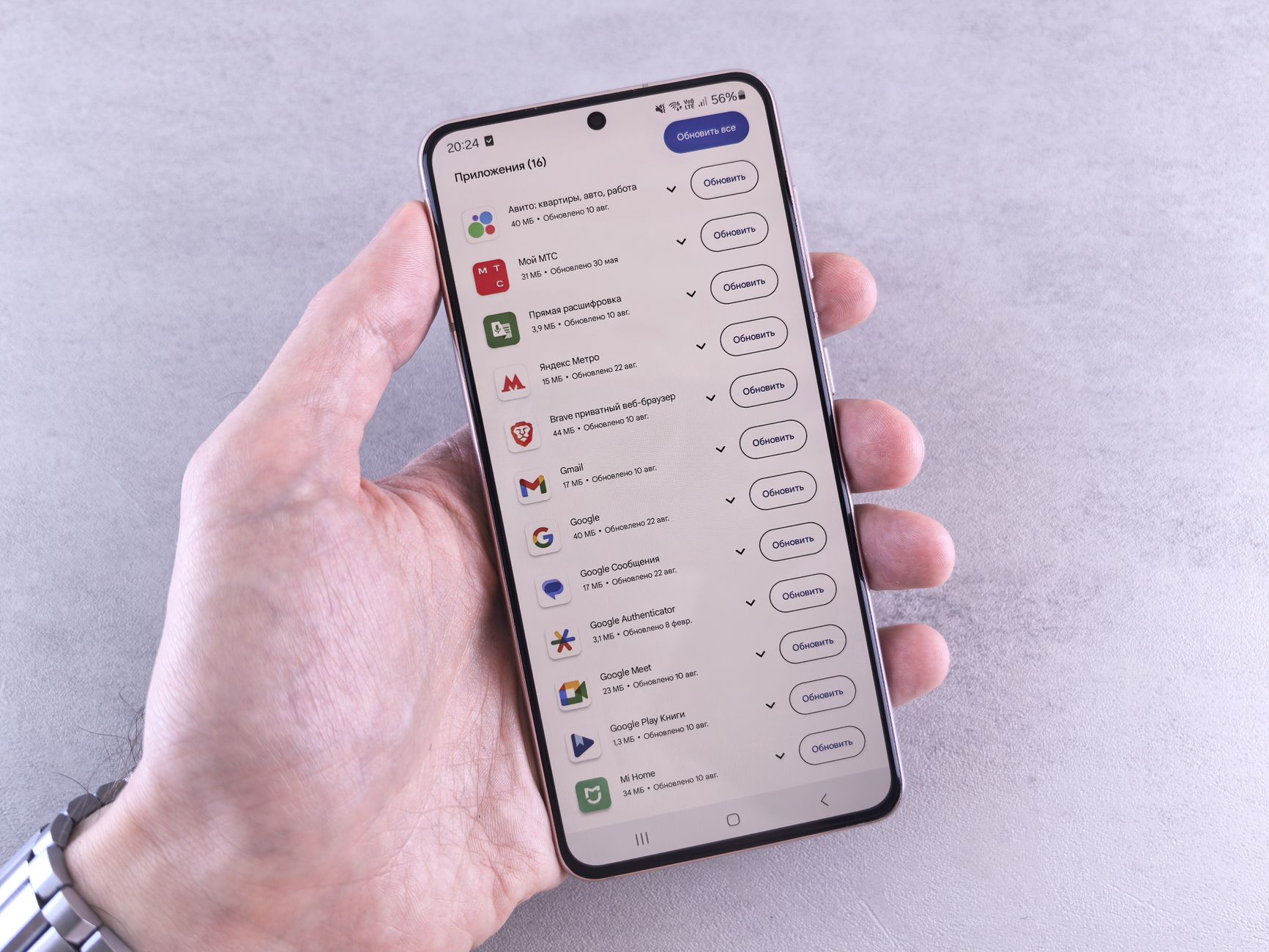
ColorOS 17 update is officially announced for the Reno 15C in India. This update promises to bring a host of new features and improvements for users.
Overview of ColorOS 17
OPPO has recently announced the rollout of the ColorOS 17 update for its Reno 15C in India, bringing a range of exciting new features and enhancements. This update is designed to optimize user experience, making everyday tasks more seamless and efficient.
Among the standout features of ColorOS 17 are:
- Improved Performance: The update promises faster app launches and smoother multitasking capabilities.
- Customizable Interface: Users can expect enhanced personalization options, allowing for a more tailored look and feel.
- Enhanced Security: ColorOS 17 introduces advanced privacy settings to protect user data more effectively.
- New Aesthetic Features: The update includes fresh themes and visual elements that enhance the overall aesthetic appeal of the interface.
Overall, the ColorOS 17 update aims to provide Reno 15C users with a more intuitive and enjoyable smartphone experience, showcasing OPPO’s commitment to innovation and user satisfaction.
Key Features of the Update
The recent ColorOS 17 update for the Reno 15C brings a host of exciting features aimed at enhancing user experience. Here are some key highlights:
- Personalized AOD: Users can now customize the Always-On Display with various styles and information, making it more functional and visually appealing.
- Improved Privacy Features: Enhanced privacy controls allow users to manage app permissions more effectively, ensuring greater security for personal data.
- AI Enhancements: The update includes advanced AI algorithms that optimize battery usage and improve overall system performance.
- New Gaming Features: Gamers will benefit from optimized settings that provide smoother gameplay and better graphics, enhancing the overall gaming experience.
- Refreshed User Interface: A more intuitive and sleek design makes navigation easier and more enjoyable for users.
Overall, the ColorOS 17 update promises to elevate the functionality and aesthetic of the Reno 15C, appealing to both new and existing users.
How to Update Your Reno 15C
Updating your Reno 15C to the latest ColorOS 17 update is a straightforward process that ensures you enjoy all the new features and enhancements. Follow these simple steps to get started:
- Backup Your Data: Before you begin, it’s essential to back up your important files and data to avoid any loss during the update.
- Check for Updates: Go to Settings on your device, then scroll down to Software Update.
- Download the Update: If the ColorOS 17 update is available, tap on Download and wait for the process to complete.
- Install the Update: Once downloaded, tap on Install to begin the installation process. Your device will restart during this phase.
- Complete the Setup: After installation, follow the on-screen instructions to set up your device.
Enjoy exploring the exciting new features offered by the ColorOS 17 update!
User Feedback on ColorOS 17
Users have expressed a mix of enthusiasm and constructive feedback regarding the ColorOS 17 update for the Reno 15C. Many are particularly impressed by the enhanced user interface and improved performance, which have made daily tasks smoother and more efficient.
One user noted, “The new customization options are fantastic! I love how I can personalize my device to match my style.” Another user highlighted the upgraded security features, stating, “I feel more secure with the new privacy settings included in the ColorOS 17 update.”
However, some users reported minor bugs and glitches, urging OPPO to address these issues in future patches. A user mentioned, “While I’m happy with the overall performance, I’d appreciate quicker fixes for some of the bugs.”
Overall, the feedback indicates a positive reception for the ColorOS 17 update, with users eager to see further improvements in upcoming iterations.
Comparison with Previous Versions
The ColorOS 17 update brings several enhancements that set it apart from previous versions, providing users with a more refined experience. One notable improvement is the revamped user interface, which focuses on a cleaner design and intuitive navigation, making it easier for users to access their favorite applications.
Additionally, the performance optimizations in ColorOS 17 ensure smoother multitasking and quicker app launches compared to its predecessors. Users have reported a significant increase in battery efficiency, allowing for longer usage times without the need for frequent charging. The integration of advanced privacy features is another highlight, offering enhanced protection for personal data.
In contrast to ColorOS 16, which focused mainly on aesthetic changes, this latest update emphasizes functionality and usability. Overall, the ColorOS 17 update aligns with user demands for a more responsive and user-friendly operating system, marking a substantial evolution in OPPO’s software development.
Impact on Device Performance
The ColorOS 17 update brings significant enhancements to the performance of the Reno 15C, making it a noteworthy upgrade for users. Early reports suggest that the update optimizes system resources, resulting in smoother multitasking and quicker app launches. Users have noted a noticeable decrease in lag during resource-intensive tasks, such as gaming and video editing.
Moreover, the new update introduces advanced AI capabilities that intelligently manage background processes, allowing for improved battery efficiency. This means that users can enjoy longer usage times without the need for frequent recharges.
In addition, the update enhances the overall user experience with refined animations and transitions, contributing to a more fluid interface. The improved performance stability also ensures that users can rely on their device for everyday tasks without interruptions.
Overall, the ColorOS 17 update is set to elevate the performance of the Reno 15C, making it a compelling choice for both new and existing users.
Future Updates for Reno 15C
The future looks promising for Reno 15C users as OPPO plans to roll out additional updates to enhance the functionality of the ColorOS 17 update. This initiative aims to address user feedback and introduce new features that align with the evolving needs of smartphone users.
Upcoming updates are expected to include:
- Enhanced Security Features: Strengthened privacy settings to protect user data more effectively.
- Improved Battery Management: New algorithms to optimize battery performance and longevity.
- Customization Options: More themes and interface adjustments to personalize the user experience.
- Bug Fixes: Regular patches to resolve any issues identified post-launch of ColorOS 17.
With these promising updates, OPPO aims to ensure that users can enjoy a seamless and efficient experience on their Reno 15C, solidifying the device’s status in the competitive smartphone market.
Conclusion and Recommendations
In conclusion, the ColorOS 17 update brings a host of exciting features to the Reno 15C, enhancing user experience and device performance. As OPPO continues to refine its software, users can expect smoother navigation, improved battery efficiency, and innovative customization options that cater to diverse preferences.
For those considering whether to upgrade, here are some recommendations:
- Evaluate your current experience: If you find your device slowing down or lacking in features, the update is worth the installation.
- Backup your data: Always ensure your important files are backed up before performing any major software updates.
- Stay updated: Keep an eye on future updates from OPPO, as they may introduce further enhancements and bug fixes.
Overall, the ColorOS 17 update is a significant step forward for the Reno 15C, making it a worthwhile upgrade for current users.
Photo by Andrey Matveev on Pexels